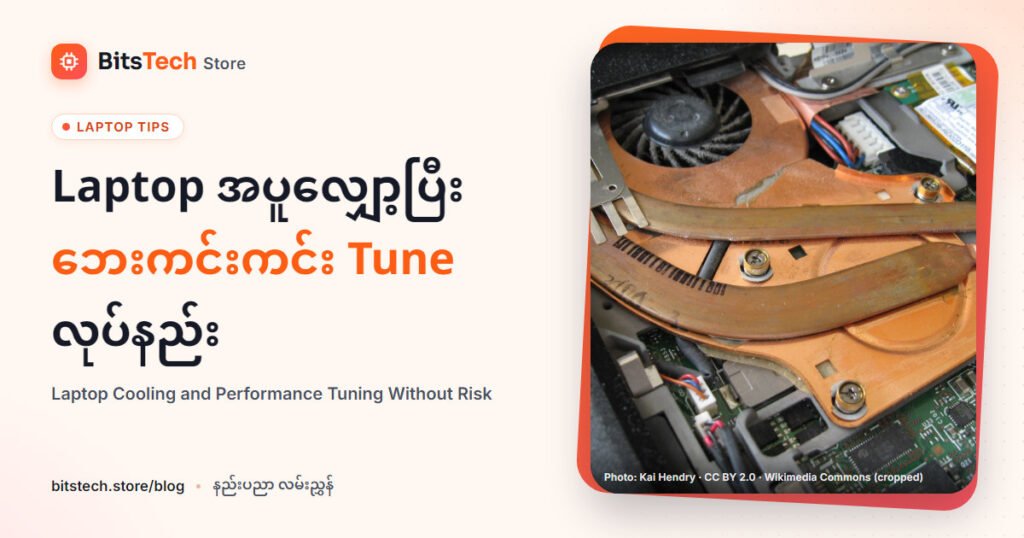
Laptop performance drop ရှိတဲ့အများစုက thermal throttling ကြောင့်ဖြစ်ပါတယ်။ Hardware ကို risk မဖြစ်စေဘဲ တိုးတက်စေဖို့ airflow, fan profile, power mode, background process cleanup စတာတွေကိုအရင်လုပ်ပါ။
- Ventilation space လုံလောက်အောင် stand သုံးပါ
- Dust cleaning ကိုပုံမှန်လုပ်ပါ
- Game-specific power plan စီမံပါ
- Driver/BIOS update ကို official source မှတစ်ဆင့်သာလုပ်ပါ
Extreme undervolt/overclock ထက် safe configuration tuning က long-term stability ပိုကောင်းစေပြီး laptop lifespan ကိုထိန်းပေးနိုင်ပါတယ်။
ဒီလို ပစ္စည်း ရှာနေလား?
BitsShop ပေါ်က ဆိုင်တွေမှာ ရှာကြည့်ပြီး ဆိုင်ကို တိုက်ရိုက် ငွေချေ (သို့) COD နဲ့ ဝယ်ပါ။
Cooling ရှာမယ်